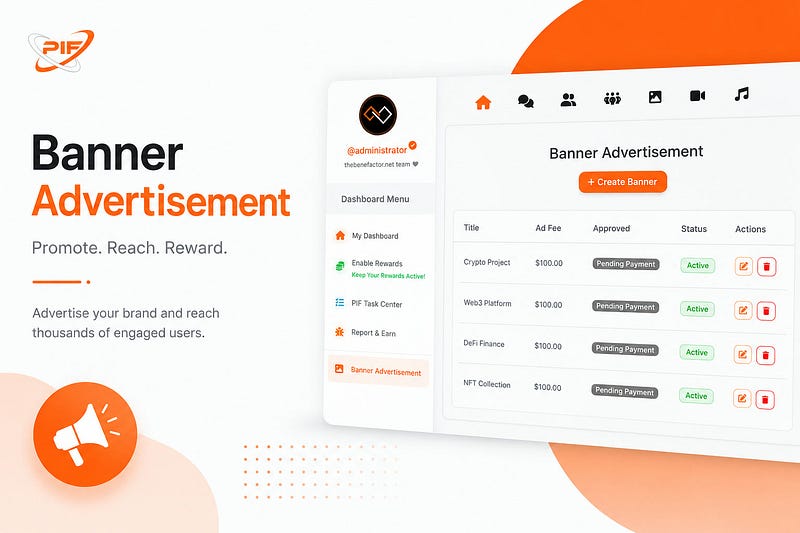
Looking to promote your project, business, website, or personal brand?
Banner advertisements on TheBenefactor.net provide a powerful way to reach an engaged audience while helping support the platform through our Pay It Forward (PIF) ecosystem.
Whether you’re launching a crypto project, promoting a service, or increasing visibility for your brand, this guide will walk you through the entire process, from creating your banner to getting it approved and displayed across the platform.
✅ Before You Start
Make sure you have the following ready:
💰 Sufficient Balance
- Funds available in your Spending Account
- Supported payment tokens is BNB/PIF
🎨 Advertisement Creative
- Image, GIF, or video prepared according to our recommended specifications
🖼️ Step 1: Prepare Your Banner Media
High-quality media dramatically improves engagement and click-through rates.
Recommended Dimensions
📐 580px × 350px
Supported Image Formats
- JPG
- JPEG
- PNG
- WEBP
- GIF
Supported Video Formats
- MP4
- MOV
- AVI
- MKV
- WEBM
Tips for Better Performance
✨ Use clear visuals
✨ Keep text concise
✨ Include a strong call-to-action
✨ Ensure your branding is visible
📝 Step 2: Fill In Your Advertisement Details
Navigate to the Create Banner Advertisement page from your dashboard.
You’ll need to complete the following fields:
📌 Advertisement Title (Required)
Create a short, attention-grabbing title.
Maximum Length: 50 characters
Examples:
- Earn Crypto Daily
- Join Our Trading Community
- Discover the Future of DeFi
🔗 Destination URL (Required)
Enter the full URL where visitors should be directed after clicking your banner.
✅ Make sure the link:
- Is active
- Uses HTTPS when possible
- Leads to relevant content
📤 Upload Your Media
Upload your banner image, GIF, or video.
Our system automatically:
⚡ Optimizes media for faster loading
🎬 Processes videos for smooth playback
👀 Provides a real-time preview so you can see exactly how your advertisement will appear
📄 Advertisement Description (Required)
Add a detailed description of your promotion.
Maximum Length: 500 characters
You may include:
- Relevant hashtags
- Mentions
- Promotional details
- Calls to action
💡 Keep descriptions informative and engaging.
🎯 Step 3: Configure Your Targeting
Want to reach a specific audience?
Our targeting system allows you to narrow your advertisement’s reach for better results.
🌍 Location Targeting
Select:
- Country
- State/Province
- City
🔍 Keywords
Add comma-separated keywords related to your advertisement.
Example:
crypto, blockchain, defi, trading, web3
Keywords help the platform display your ad to users who may be interested in your content.
💵 Step 4: Choose Your Advertising Package
The Benefactor uses a Flat Fee Advertising Model.
Unlike traditional advertising platforms with unpredictable costs, you’ll pay a fixed fee for a fixed duration.
Benefits
✅ Predictable pricing
✅ No bidding wars
✅ Easy budgeting
✅ Transparent costs
❤️ Pay It Forward Contribution
Every advertisement contributes to the growth of our ecosystem.
A portion of every advertising purchase helps fund:
- PIF Rewards
- Community initiatives
- Platform development
By advertising, you’re also helping support the community.
⚙️ Step 5: Advanced Options
Customize your campaign with optional settings.
👤 Feature Advertisement on Your Profile
Enable this option to display the advertisement on your public profile page.
Great for:
- Businesses
- Influencers
- Project owners
- Community leaders
🔄 Auto-Renew
Want uninterrupted visibility?
Enable Auto-Renew and the system will automatically renew your advertisement when it expires, provided your Spending Account contains sufficient funds.
💳 Step 6: Payment & Submission
Once everything looks good, click Next to proceed to payment.
Select Your Payment Token
Choose from:
- ETH PIF (Coming Soon)
- BNB PIF
- MATIC PIF (Coming Soon)
Confirm Your Balance
Make sure your Spending Account contains enough funds to cover the selected advertising package.
Submit Your Advertisement
After payment is completed:
⏳ Status becomes Pending Approval
🔍 Our team reviews the advertisement
📨 You’ll receive notifications regarding the approval process
✅ The Approval Process
To maintain quality and protect users, all banner advertisements undergo review before becoming active.
Once approved:
🎉 Status changes to Active
📧 Email confirmation is sent
🔔 Platform notification is delivered
🚀 Your advertisement begins appearing across TheBenefactor.net
📊 Managing Your Advertisements
You can manage all advertisements from the Banner Advertisement Dashboard.
Features include:
📈 Real-time impression tracking
🖱️ Click analytics
🔄 Auto-renew controls
♻️ One-click renewal for expired campaigns
📋 Campaign status monitoring
This makes it easy to track performance and manage your advertising budget.
❓ Frequently Asked Questions
How long does approval take?
Most advertisements are reviewed within 24 hours.
You’ll receive a notification as soon as a decision is made.
Can I edit my advertisement after submission?
You may edit your advertisement while it is still awaiting approval.
Once approved and active, certain fields may become locked to preserve the integrity of the reviewed content.
What happens if Auto-Renew fails?
If your Spending Account doesn’t have enough funds when renewal occurs:
❌ Auto-renew will fail
📅 Advertisement status changes to Expired
🔄 You can manually renew it after topping up your balance
Are there limits on ad submissions?
Yes. To prevent spam and maintain platform quality:
- Maximum 3 advertisements awaiting approval at one time
- Maximum 5 new advertisement submissions per day
🎉 Final Thoughts
Creating a banner advertisement on TheBenefactor.net is simple, transparent, and designed to help you reach the right audience.
By combining high-quality media, targeted reach, and a predictable pricing model, you can effectively promote your project while contributing to the growth of the Pay It Forward ecosystem.
🚀 Ready to get started?
Head to your dashboard and create your first banner advertisement today!